
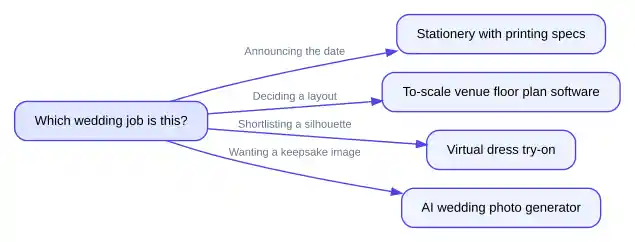
These three tasks get lumped together because they all involve pictures of a wedding that has not happened yet. They are not the same task. A save-the-date is a printed object with a deadline and a mailing list. A venue mockup is a spatial question — will 120 people and a dance floor fit. A dress preview is a shortlisting exercise before a Saturday in a bridal shop. Buy the wrong category of tool and you get a pretty image that answers none of them.
The six criteria that separate a useful tool from a decorative one
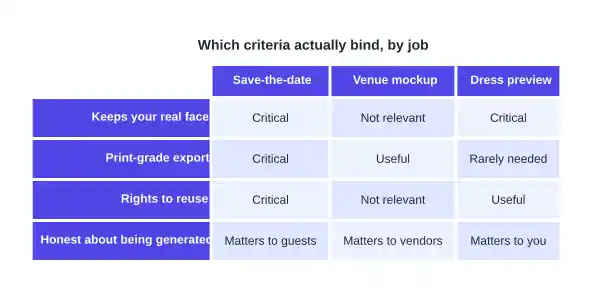
1. It keeps your actual face. The point of a generated wedding photo is that the people in it are you. The Overchat AI page is specific about this: its instructions preserve face structure, skin tone, freckles and glasses, and forbid face-slimming. A tool that quietly narrows a jaw has failed the only test that matters on a card to your relatives.
2. It exports in the shape the printer asks for. A save-the-date is a physical card, and the trims are fixed: Minted lists Postcard at 6 x 4.25 inches, Classic at 5 x 7 and Grand at 6 x 8. A generator that only returns one square crop leaves you cutting a head off to fit a 5 x 7.
3. The file is big enough to print, not just to post. A 5 x 7 card at 300 pixels per inch wants 1,500 x 2,100 pixels, and a 6 x 8 wants 1,800 x 2,400. Check the exported dimensions before ordering 90 cards: a render that looks crisp on a phone can arrive soft on card stock.
4. It is clear about reuse rights. Printing 90 cards and posting the image on a wedding website is commercial-adjacent use, and vendors differ. The Overchat AI FAQ states outputs may be used on cards, websites and social posts.
5. It answers the question you actually asked. A generated ballroom is not a floor plan. If the question is whether the head table blocks the fire exit, you need software that works to scale, not a model that paints a plausible ballroom.
6. It does not add a fifth subscription. Wedding planning already accumulates logins — a registry, a seating chart, a photo share. A tool folded into something you already pay for beats a marginally better one that bills on its own.
How the eight tools score
| Tool | Job it belongs to | Keeps your face | Output shapes stated | Documented free access |
|---|---|---|---|---|
| Overchat AI Wedding Photo Generator | Keepsake photo, save-the-date art | Yes, explicitly no face-slimming | 1:1, 4:5, 3:4, 9:16, 3:2, 16:9 | Free, no account, HD, no watermark |
| VEED | Keepsake photo, invitation video | Upload or generate from text | Image or video download | No credit card to start; credit-based |
| Fotor AI Image Generator | Scene generation from a prompt | Reference images only | 4K native, upscales further | Free daily credits |
| YouCam dress try-on | Dress preview | Yes, from a full-body photo | Downloadable image | Stated as free online |
| Pokecut dress try-on | Dress preview | Keeps face, hair, pose, light | Downloadable image | Stated as free |
| Prismm | Venue layout | Not applicable | To-scale 3D floor plans | No free tier stated for couples |
| Zola paper | Save-the-date printing | Your own uploaded portrait | Printed cards; digital option | Five free customizable samples |
| Minted | Save-the-date printing | Your own uploaded portrait | Postcard 6 x 4.25 in, Classic 5 x 7 in, Grand 6 x 8 in | Sample kit; samples of 10 cards |
What each of these is actually for
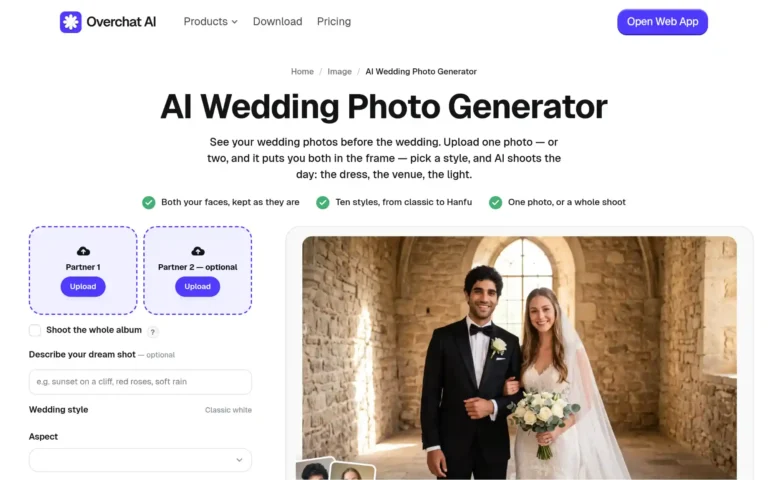
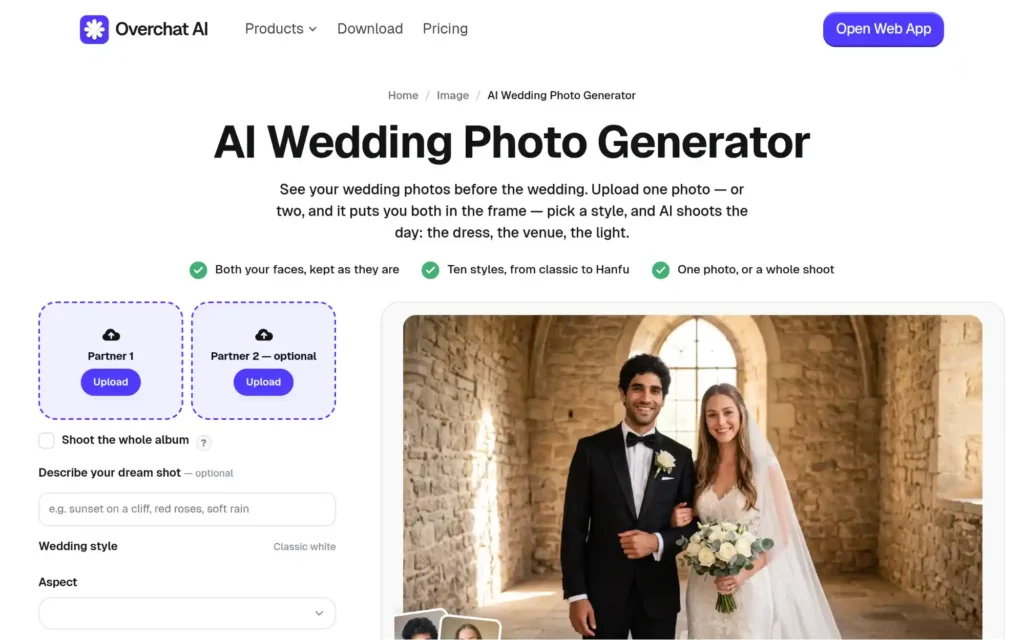
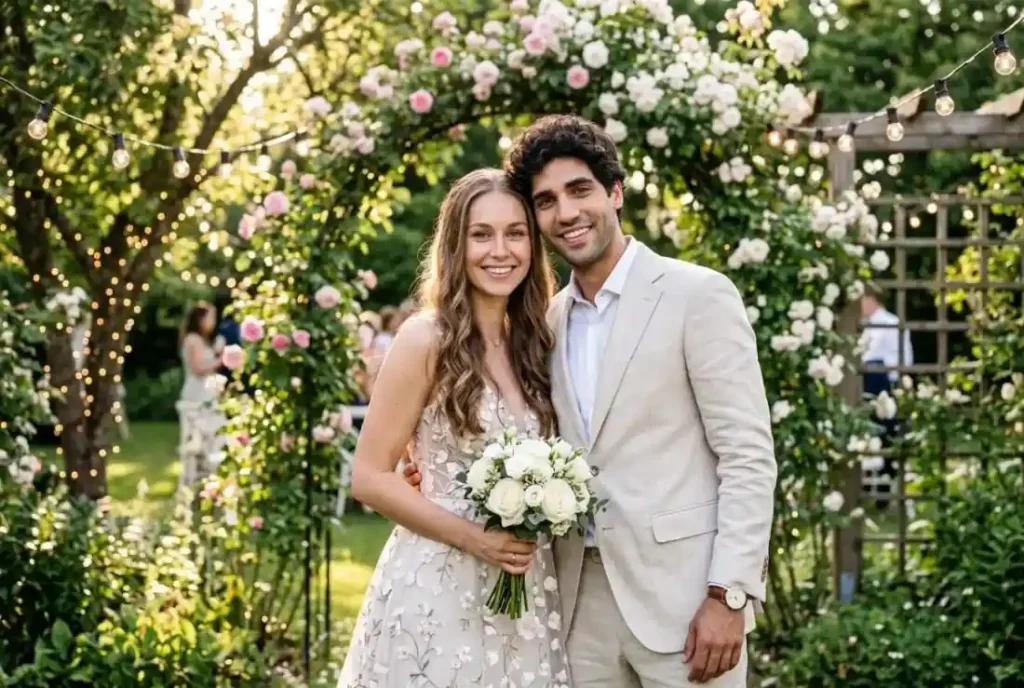
Overchat AI’s AI Wedding Photo Generator takes one photo, or two if you want both of you in frame. Pick a style — classic white chapel, beach at golden hour, summer garden, rustic barn, winter snow, Indian, Hanfu, hanbok, 1950s vintage, cinematic editorial — choose a shape, press Make our wedding photo. About 30 seconds per frame, JPG, PNG or HEIC up to 20 MB, HD download with no watermark. Two honest caveats: with one photo it invents a plausible partner, which is fine for a solo keepsake and strange on a card; and a full photoshoot takes longer than a single frame.
On that last criterion: the generator is not a separate bill. Overchat AI is one all-in-one app holding 150+ purpose-built tools across image, video, audio and text, with models from GPT, Claude, Gemini, Grok, Kimi and Qwen, on web, iOS and Android, and 350,000+ users. Paying monthly for Pro is $14.99; paying for the year is $59.99, near what ChatGPT Plus, Claude Pro and Google AI Pro cost together in one month.
VEED takes uploaded couple photos or a written description — its own examples include “Place couple in outdoor garden wedding with golden hour lighting” — and can turn the result into an animated invitation video with music and text. It runs on credits, and the page does not publish how many a generation costs.
Fotor’s AI image generator is the general-purpose option: 170+ style presets, up to four images per run, 4K native output with upscaling beyond that, and free daily credits. It works from prompts and reference images rather than putting your specific face in a scene, so treat it as scenery rather than portraiture.
YouCam and Pokecut both do dress previews and differ in how you feed them. YouCam wants a high-resolution full-body photo on a neutral background and offers a catalog plus the option to upload a gown. Pokecut takes your photo and a separate dress image, and says it matches the dress angle to your pose while keeping your face, hair and light direction. Pokecut lets you compare several silhouettes on the same photo, which is the actual use.
Prismm, formerly AllSeated, is the one non-generative entry. It builds 3D venue visualizations and floor plans that are, in its words, “to scale,” with seating arrangements and guest management on top. Its wedding page states no free tier for couples, and does not document how venue measurements are sourced — worth asking your venue directly.
Zola’s paper products close the loop. You can upload your own portrait into a save-the-date template, and Zola states five free customizable samples with free shipping. Build in the wait: samples take 1–3 business days to process and 5–10 business days to ship, with no expedited option, and letterpress designs cannot be sampled at all. Minted is the alternative, with a sample kit or samples of 10 cards, though it states samples cannot be personalized apart from a limited selection.
Three things a generated image is not
It is not your venue. A model that paints a barn with string lights has never seen the barn you booked and cannot tell you whether the bar fits along the north wall. Use it for mood, then get a floor plan.
It is not a garment. A dress preview shows a silhouette on your body, not a product with a size chart, a designer, a lead time or a price. Nothing in these previews is orderable, and a gown that renders well can be wrong in a fitting room for reasons — boning, weight, how it moves — no still image captures.
And it is not evidence. Sending guests an image that implies a real venue, dress or photograph of your day is a deception that gets discovered on the day itself. Generated art on a save-the-date is charming when it reads as art. The line is crossed when someone books a flight based on a place that does not exist.
What to use, per job
For a keepsake image or the artwork on a card: Overchat AI’s generator, exported in the ratio your printer asks for. For dress shortlisting: Pokecut if you have specific gowns in mind, YouCam if you want to browse a catalog. For layout: Prismm, or whatever to-scale plan your venue already keeps. For the physical cards: order samples early — the shipping window is longer than the design work.
